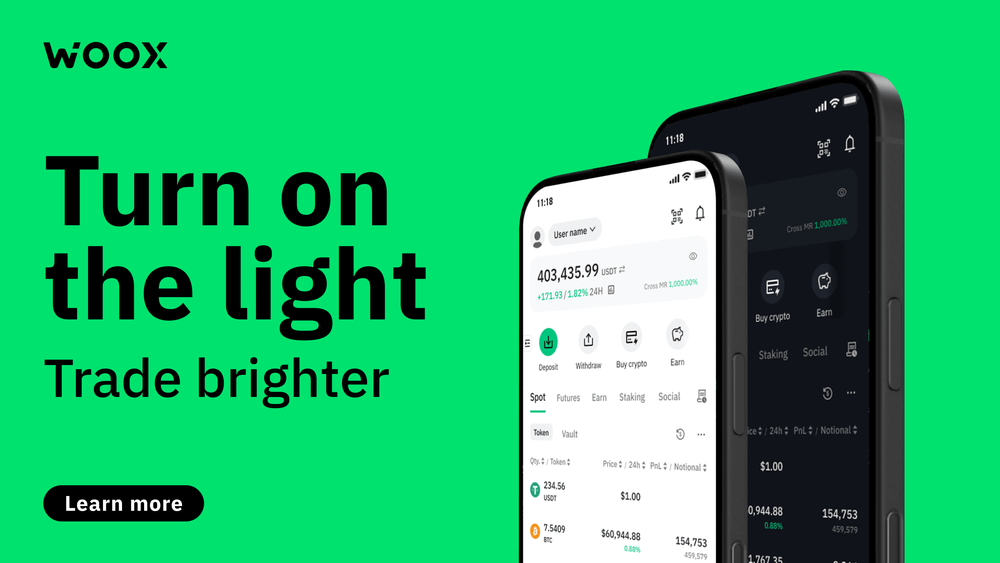
Turn on the light: introducing Light Mode for a brighter trading experience
Introduction
We’re thrilled to introduce Light Mode, a brand-new feature designed to brighten your crypto trading experience. Whether you’re trading under the sun or in a brightly lit room, Light Mode offers a fresh, clean interface that adapts to your environment and preferences.
Why Light Mode?
The launch of Light Mode comes directly from listening to our community. Many users expressed the desire for more interface options beyond the popular dark mode. We understand that trading environments vary widely-some traders prefer a lighter, more vibrant look, especially when trading during the day or in well-lit spaces.
Light Mode enhances readability and reduces eye strain, making it easier to analyze charts, data, and notifications while offering more options to users to adjust the setting whenever they need to.
What is Light Mode?
Light Mode is a user interface theme that transforms the app’s appearance by introducing brighter backgrounds, vivid colors, and crisp visuals. Imagine trading with a clean, sunlit dashboard where every chart and notification stands out clearly.
When you switch to Light Mode, you’ll notice:
- A bright, white or light-colored background that enhances visibility.
- More vibrant and accurate brand colors that pop.
- Clear, easy-to-read charts and data displays that reduce eye fatigue.
Key benefits for crypto traders
- Enhanced Readability: Light Mode is optimized for daytime trading, reducing glare and making it easier to focus on market movements.
- Reduced Eye Strain: By offering a brighter interface, Light Mode helps prevent fatigue during extended trading sessions.
- Personalization: Customize your trading environment by choosing between Light and Dark modes to fit your mood, surrounding, or preferences.
How to turn on the light
Activating Light Mode is simple and intuitive:
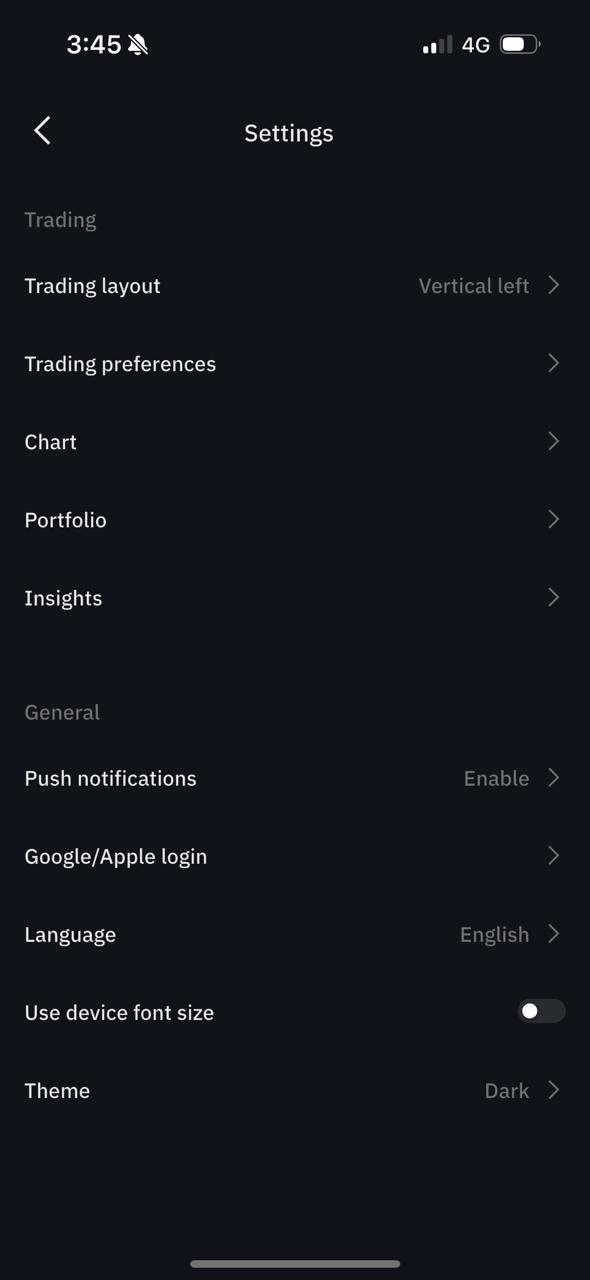
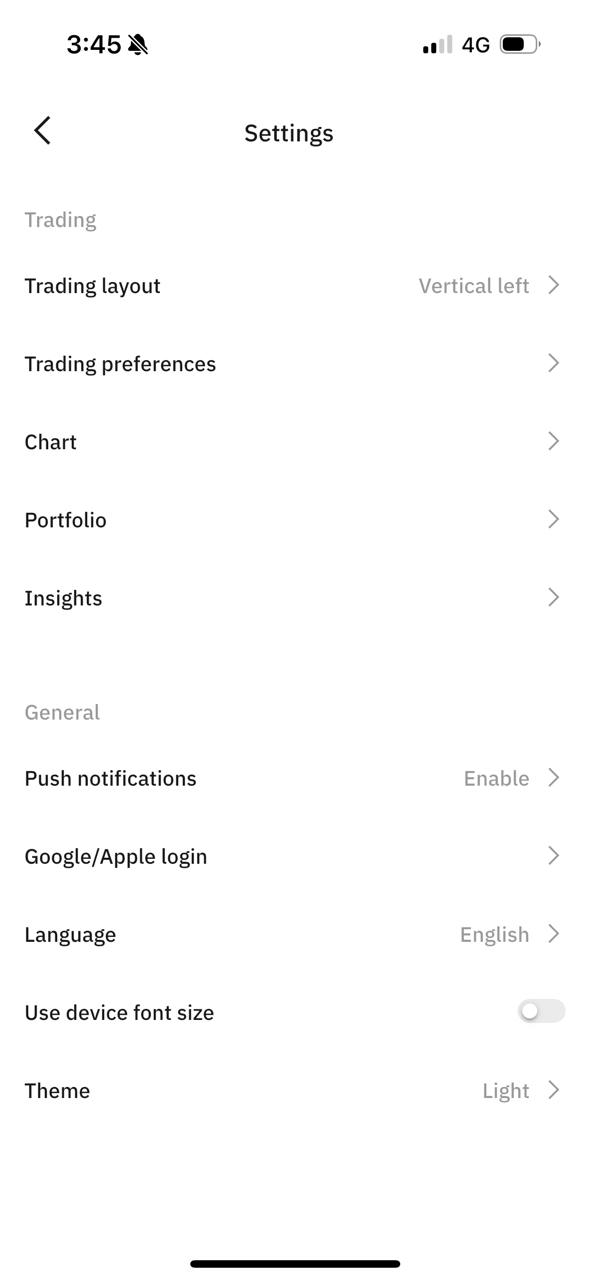
- Open your app and navigate to Settings.
- Find the Theme sub-menu.
- Select Light Mode.
Your preference will be saved automatically, so the app remembers your choice every time you log in.
Closing remarks
Ready to brighten your trading experience?
Update your app now on the App Store or Google Play and turn on the light. Discover how a simple switch can make your trading clearer, and truly yours.
FAQ
Where can I find the Light Mode settings?
To activate the Light Mode, you need to navigate to settings, then to Theme and select Light Mode.
Is it available on the desktop?
For the time being, the Light Mode is only available on the WOO X App.